Install the app
How to install the app on iOS

Follow along with the video below to see how to install our site as a web app on your home screen.

Note: This feature may not be available in some browsers.

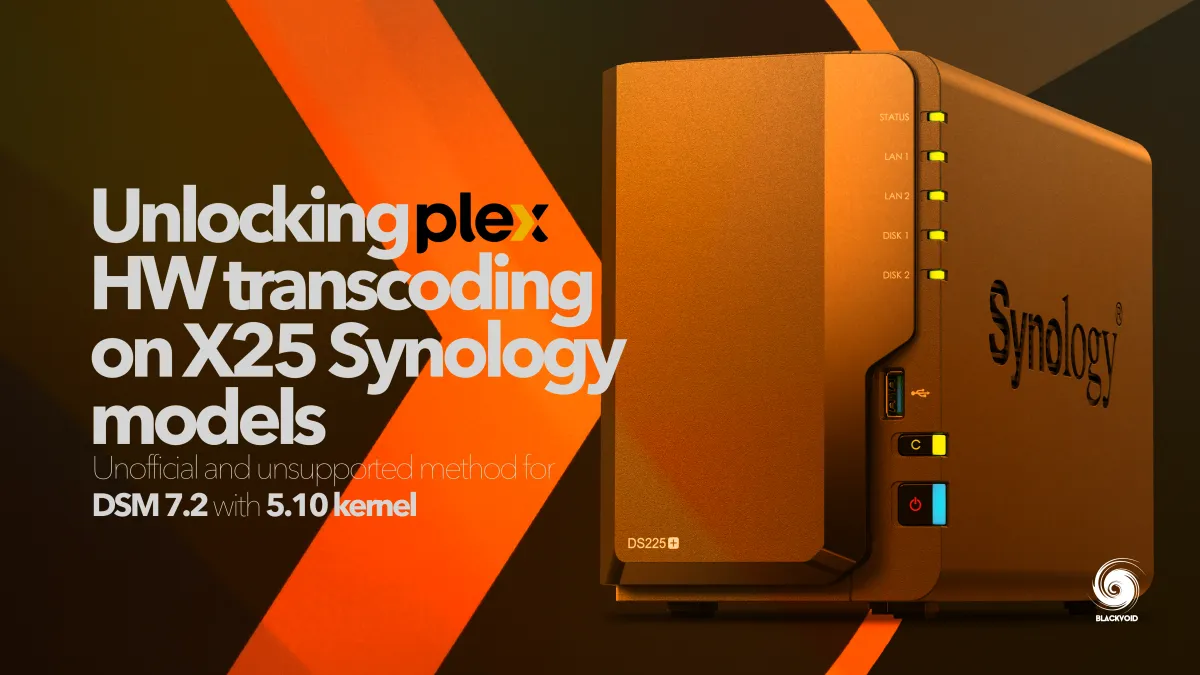
225+ or 425+ Owners - Plex HW Transcoding.

Don't be a f***ing smart ass @Birdy, and do not post source files on the forum. There is a reason the file was not linked on the community.

As said, if this proves that it will work, we will decide where to post it.

ANYONE posting the needed KO file on the forum will be immediately banned.
 
That's an INTEL FILE NOT SYNOLOGY FILE. Why is that a problem?
You are welcome to test it and post the results but atm we will not risk hosting any KO files until we are certain what exact version works and risk any unnecessary pressure, direct or public.
 
It does not working for me. But I did some research on my own and discovered that it takes more than that. Besides, the i915.ko file is already present on the DS425+ DSM. I'll spend my afternoon experimenting with some things...
 
Yep, we got the same confirmation from several more users as well.
 
I just spent a few hours browsing the internet regarding i915 driver management. I first thought I found an interesting lead by consulting the i915_capabilities file located in /sys/kernel/debug/dri/0 . I thought that the "GUC" and "HUC" had to be enabled but a friend who has a DS1520+ (with a J4125 cpu like the DS425+ but with hardware transcoding that works perfectly) confirmed that these parameters are the same on the DS1520+. So a false lead for me. I like to "tinker" but it is clearly beyond my skills. I think that the management of the i915 driver involves a lot of things, certainly a settings file (I was also on the trail of an i915.conf file in etc/modprobe.d but it does not exist on the DS1520+ either). Furthermore, it is difficult and perhaps not relevant to make a comparison between a DS1520+ and a DS425+ knowing that these two NAS do not have the same version of Linux. It would be necessary to compare the DS425+ with a Beestation+ but I would not be able to say which files are involved in the operation of the i915 driver. Being afraid of doing worse than better on my NAS, I prefer not to undertake more tests. However, I am not giving up and I will write again tomorrow to my contact at Synology to share the different opinions that Synology has been able to give us, and which are sometimes contradictory (not forgetting to mention that several testers on specialized sites, some of which work in partnership with Synology, have announced that the DS425+ supports hardware transcoding).
During my research, I came across a post from June 2022 from someone who had just purchased an Asustor AS6702T NAS (based on Linux kernel 5.13) and was experiencing the same problem as us with our DS425+! When he contacted Asustor, he received the same response as some here, talking about royalties on the necessary drivers and codecs! Asustor must have taken its users' requests seriously because the AS6702T appears in the Plex compatibility list, with the possibility of hardware transcoding. I recently had the opportunity to test an AS6704T (the same but with 4 bays instead of 2) and the hardware transcoding worked perfectly! If only Synology could be as attentive to its customers!
In conclusion, I don't think it's impossible to make hardware transcoding work on our own. On some forums (especially Xpenology's) there are people who are really knowledgeable about the i915. But I would prefer the solution to come from Synology, even if I had to pay a small fee (like back when the exFat package was paid).
 
Don't expect a miracle, Synology dropped Video Station and supported video codecs to reduce licensing costs. Many thought that VS would return. It hasn't. This is quite similar. Without VS, Synology is even less inclined to support transcoding for 3rd-party software. Adding to this is the obvious that Synology has moved on to AMD, and I suspect, the two x25 NAS models are the last we will see of the J4125 chip, which has been diverted to the family toy, BeeStation.
Yet, we can all wait until hell freezes over.
 
I agree with Telos 100%. To just confirm this love with AMD, next year's Synology Solution Day will be called Security Solution Day, and Syno will share the "stage" with AMD. So moving forward will be AMD for sure, and while I have no hard evidence, there will be no more Intel-based models; it wouldn't be a surprise at this point tbh.

While depriving features is a normal decision for a company, it is always best to simply communicate with the customers openly. This "hide and seek" is yet another repeated scenario that happened last October when Syno killed VS as part of a DSM minor upgrade, as @Telos pointed out. I guess we can be happy that they disclosed the info in the release notes, making this current x25 issue an even worse example of bad PR.

I wouldn't hold my breath, because if this is indeed connected with some royalties tied with the new kernel (haven't looked into it tbh) Syno will not pay more than they need to. With a clear vision not to move Plex support onto the Beestation model(s), it is 99% certain that DS/RS etc, will be non-media focused devices. True, Plex can work on all of those, but HW transcoding will not happen.

While on the topic of AMD, there were talks that Plex Inc. might incorporate some sort of HW transcoding to work with AMD silicon, but even if that happens, it is a question of how that will be implemented exactly, and the fact that Syno needs to use a compatible AMD CPU to benefit from that implementation. Personally, I don't see that happening even if new CPUs will be used in the future that do offer official support by Plex, but we will wait and see, or simply find an alternative solution when it comes to transcoding.
 
While Syno might not make an effort on this front I have just got confirmation that a working workaround with custom modules has been developed and we have a working and confirmed solution for the x25 models.

Getting some background details on it all and depending on how that goes there will be info how to get it all going. Not sure we will host it here but will update some more depending on the gathered info.
 
I just tested it and unfortunately it doesn't work on my DS425+ for videos with 4K resolution: the hardware transcoding starts (I can read "(hw)" but after a few seconds "(hw)" disappears and the CPU activity climbs to 100%. I redid the unloading / loading sequence of the .ko files 3 times (after a reboot each time), I tested different files, same result. On the other hand, it works with 720p and 1080p videos (I tested 5 or 6 without problem). I think there is not much missing for all resolutions to be correctly supported.
 
i've transcoded multiple 4k videos since installing the 'fix', which have worked flawlessly.

are they hevc, and do you have "Enable HEVC video Encoding" set to 'hevc sources only' in the plex server Transcoding settings
 
Great! It seems to work much better this way! There are two settings for HEVC encoding: for the first, I have the choice between: "never" (but it doesn't work here), "HEVC videos only" (it does!), or "always." Do you also recommend checking "Enable HEVC optimization (experimental)"?
I tested it on a single video; I don't have much time this morning; I'll test it again tonight. Thanks for your help!
 
Last edited:
As much as Birdy & I have butted heads, I would not like to Never ever see his posts Again!
My $.02.
 
I get these error messages when I run the script :
Capture d’écran script chargement des drivers.jpg

I'm not good at linux scripting but I think there shouldn't be the word "i915" on line 375. I removed it, ran the script and everything seems to be working fine.

mot i915 en trop.jpg

After removing the word "i915" line 375 :

après correction du script.jpg


Can the script author confirm that this is a typo?
 
I spent a lot of time testing my DS425+ with the appropriate drivers for hardware transcoding. I ran tests with 9 video files of varying resolution and bitrate on various clients: a Samsung Galaxy S25 smartphone (5G connection), a Samsung Galaxy Tab A7 tablet, an Amazon Firestick TV 4K Max connected to an old TV, and two fairly old laptops (one based on a Core i5-6300HQ, the other on an AMD A6-9220). All the machines involved in this test have the latest version of Plex. For each of these clients, I forced hardware transcoding by selecting a lower resolution and bitrate than the original file. Here are my comments:

  • On the Galaxy S25 smartphone, there were no issues; all files (4K HDR10, 1080p, 720p) used hardware transcoding. PERFECT!
  • On the other 4 clients, no problem with 1080p and 720p videos. Hardware transcoding triggered. Unfortunately, for 4K videos, hardware transcoding does not trigger and it is the software transcoding that takes over with the problems we know: the DS425+ CPU goes up to almost 100% usage and jerks, pauses occur.

A few months ago, I had a Synology DS1520+, which I replaced with a DS425+ (the worst idea of my life...) and it served as my Plex server for years, without ever encountering a hardware transcoding problem on 4K videos, whether locally or remotely. So, given these mixed results, I told myself that the versions of Plex (client and servers) had evolved in the last few months since the sale of my DS1520+. So I used my personal PC to make a Plex server under Windows: a core i9-13900K from which I removed the GeForce graphics card to be sure to use Intel Quicksync. I used the same files, under the same conditions. And there, no problem: all 4K files are transcoded in hardware regardless of the client! I'm aware that there's a gap of several generations between the DS425+'s J4125 and the Core i9-13900k, but I'm sure the DS1520+'s J4125+ performed very well in hardware transcoding 4K videos.

Has anyone observed the same issue using the correct drivers on a DS225+ or DS425+?
 

Create an account or login to comment

You must be a member in order to leave a comment

Create account

Create an account on our community. It's easy!

Log in

Already have an account? Log in here.

Welcome to SynoForum.com!

SynoForum.com is an unofficial Synology forum for NAS owners and enthusiasts.

Registration is free, easy and fast!

Back
Top