Have DS1618+ that was backing up to DS1821+ using Active Backup for Business Agent (DSM). Ransomware completely wiped the DS1618+ back to factory. I followed these steps given by support:
Follow these steps to restore the DS1618+ from the DS1821+, assuming you performed a full NAS backup:
Install DSM, install Hyper Backup on your DS1618+. Open Hyper Backup.
Click Restore (it looks like an arrow going around a clock counterclockwise) and select Entire System. You will be redirected to Control Panel.
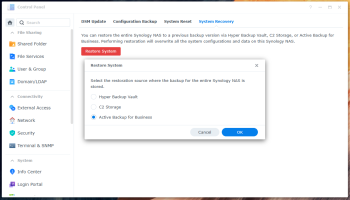
Click Restore System and select the restoration source where your backup data are stored.
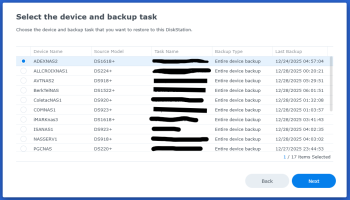
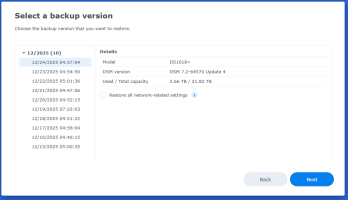
Follow the wizard to complete the restoration.
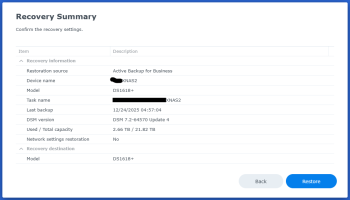
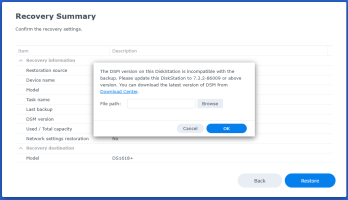
Everything goes fine until clicking "Restore" at the Recover Summary screen. Then I get window that pops up and says:
"The DSM version on the DiskStation is incompatible with the backup. Please update this DiskStation to 7.2-64570 or above version. You can download the latest version of DSM from Download Center."
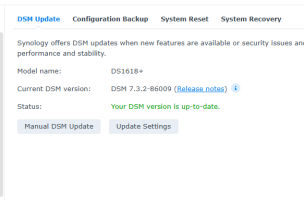
If the DSM version is 7.3.2-86003 is will say "Please update this DiskStation to 7.3.2-86003".
If its using 7.3.2-86009 it will say "Please update this DiskStation to 7.3.2-86009"
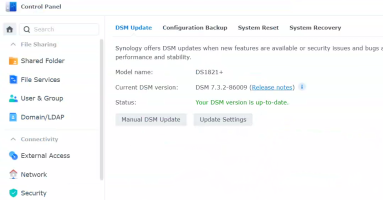
The Source (DS1821+) is running DSM version 7.3.2-86009.
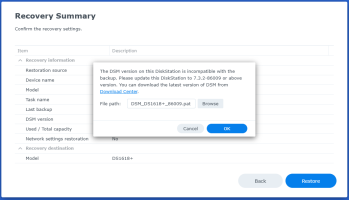
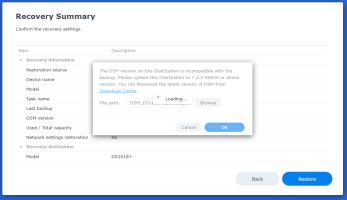
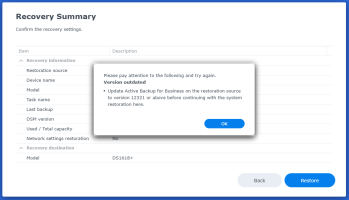
Then there is a "Browse" button to locate the DSM version. It does not matter what version you browse to, it will always load and move to the next popup that will say:
"Please pay attention to the following and try again.
Version outdated
* Update Active Backup for Business on the restoration source to version 12321 or above before continuing with the system restoration here."
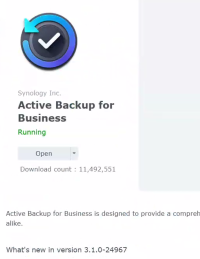
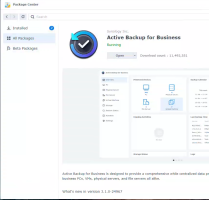
Then there is an OK button that takes you back. There version of ABB is well past the 12321.
I am completely lost! Any help would be appreciated.

Follow these steps to restore the DS1618+ from the DS1821+, assuming you performed a full NAS backup:
Install DSM, install Hyper Backup on your DS1618+. Open Hyper Backup.
Click Restore (it looks like an arrow going around a clock counterclockwise) and select Entire System. You will be redirected to Control Panel.
Click Restore System and select the restoration source where your backup data are stored.
Follow the wizard to complete the restoration.
Everything goes fine until clicking "Restore" at the Recover Summary screen. Then I get window that pops up and says:
"The DSM version on the DiskStation is incompatible with the backup. Please update this DiskStation to 7.2-64570 or above version. You can download the latest version of DSM from Download Center."
If the DSM version is 7.3.2-86003 is will say "Please update this DiskStation to 7.3.2-86003".
If its using 7.3.2-86009 it will say "Please update this DiskStation to 7.3.2-86009"
The Source (DS1821+) is running DSM version 7.3.2-86009.
Then there is a "Browse" button to locate the DSM version. It does not matter what version you browse to, it will always load and move to the next popup that will say:
"Please pay attention to the following and try again.
Version outdated
* Update Active Backup for Business on the restoration source to version 12321 or above before continuing with the system restoration here."
Then there is an OK button that takes you back. There version of ABB is well past the 12321.
I am completely lost! Any help would be appreciated.
This post includes affiliate links. As an Amazon Associate, SynoForum.com may earn a commission if you make a purchase — at no extra cost to you.
It helps support our community! Learn more...